


Build a Reception Kiosk Around Your Visitor Workflow
Give visitors a clear place to begin their visit. A self-service reception terminal can bring registration, appointment lookup and arrival instructions together at the lobby, while reception staff handle questions and exceptions.
Legoyo supports custom kiosk enclosure projects for system integrators, solution providers and OEM buyers. Start with a carbon-steel cabinet, then plan the display opening, peripheral layout, internal mounting space and finish around your reception application.
Define your supply scope: confirm whether your quotation covers the enclosure only or an agreed hardware assembly. Displays, computers, scanners, printers and visitor-management software must be specified separately.
A Cabinet Designed Around the Project
Custom Metal Enclosure
Carbon-steel fabrication gives OEM buyers a configurable cabinet structure. Confirm overall dimensions, panel cutouts, internal brackets and the installation arrangement against your component drawings.
Practical Hardware Layout
Plan where visitors touch, scan and collect a badge, alongside the space technicians need for cabling, ventilation, printer refills and component replacement.
Consistent Brand Finish
Coordinate the cabinet color and logo treatment with your reception area. Powder coating, printed graphics and other finishes can be reviewed against the approved design.
Enclosure Details to Review Before Sampling
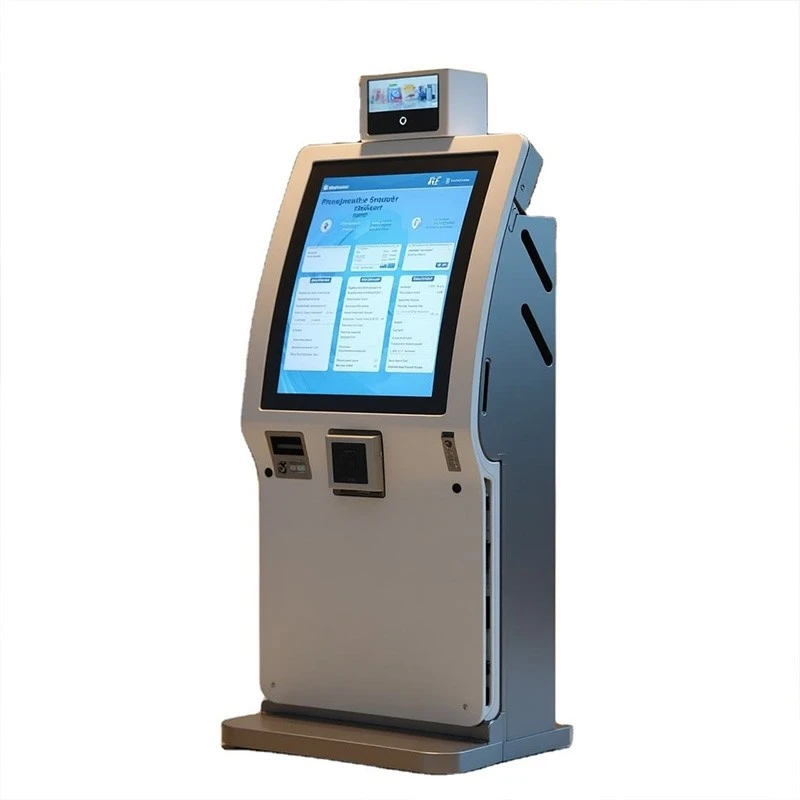
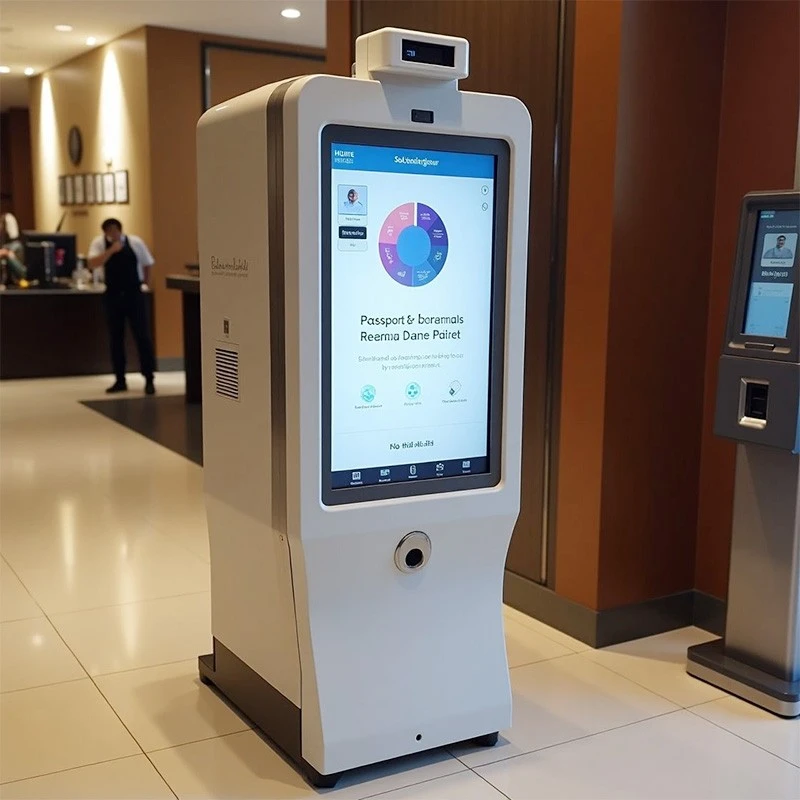
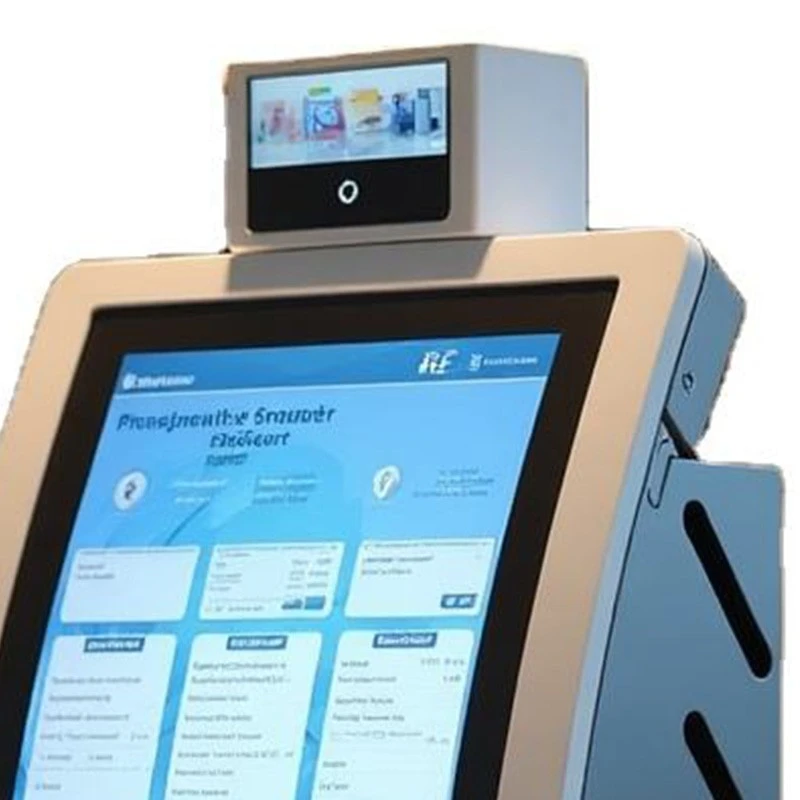
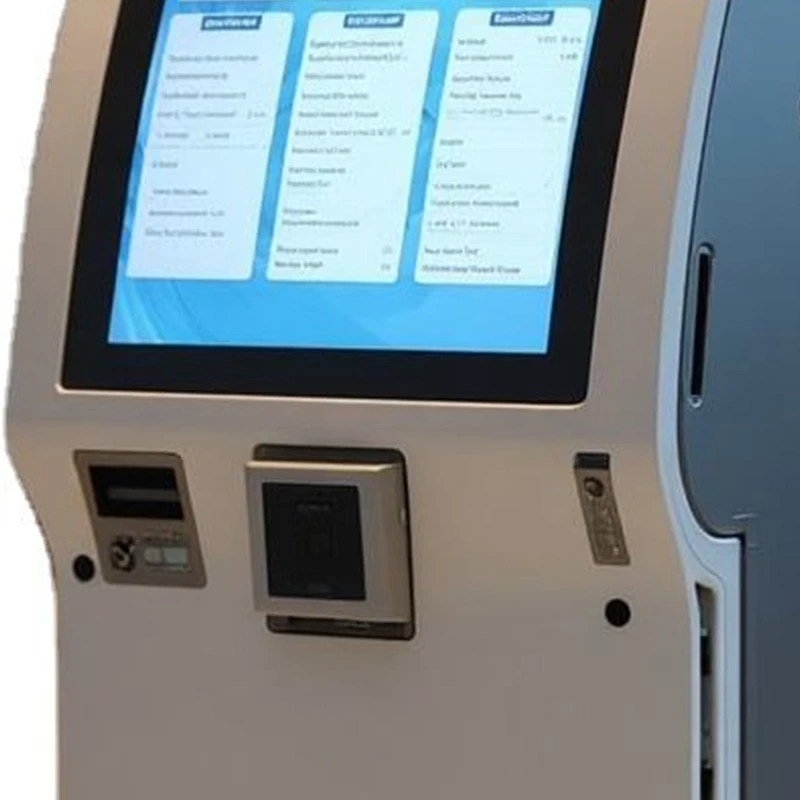
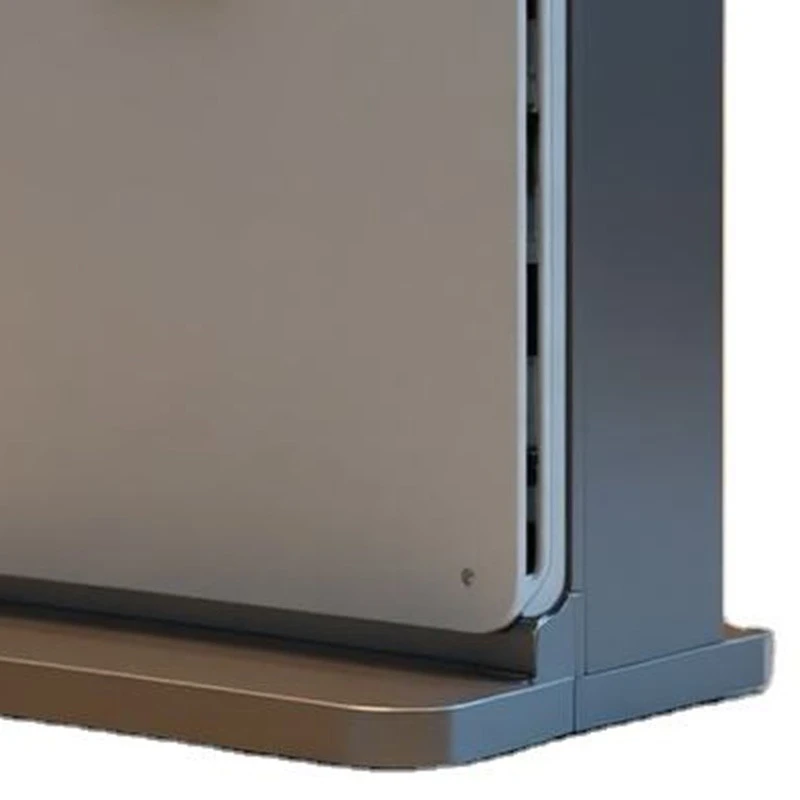
Use these product detail images to discuss the mechanical layout. Devices and screen content shown are visual references; the agreed drawing and bill of materials define what is supplied.
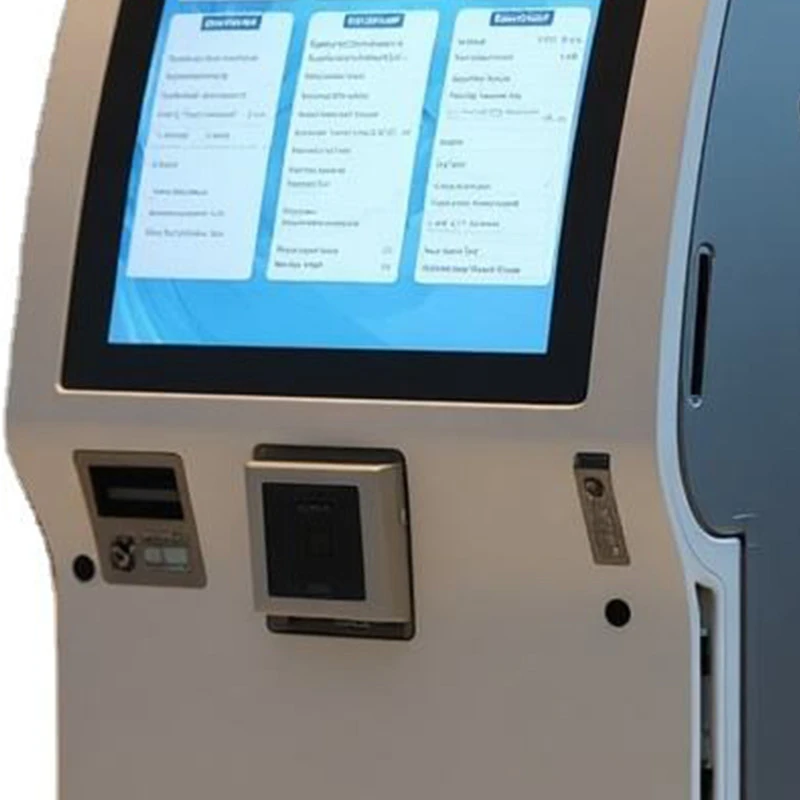
Front Panel Layout
Plan the position of each device around visitor reach, component dimensions and the required interaction.
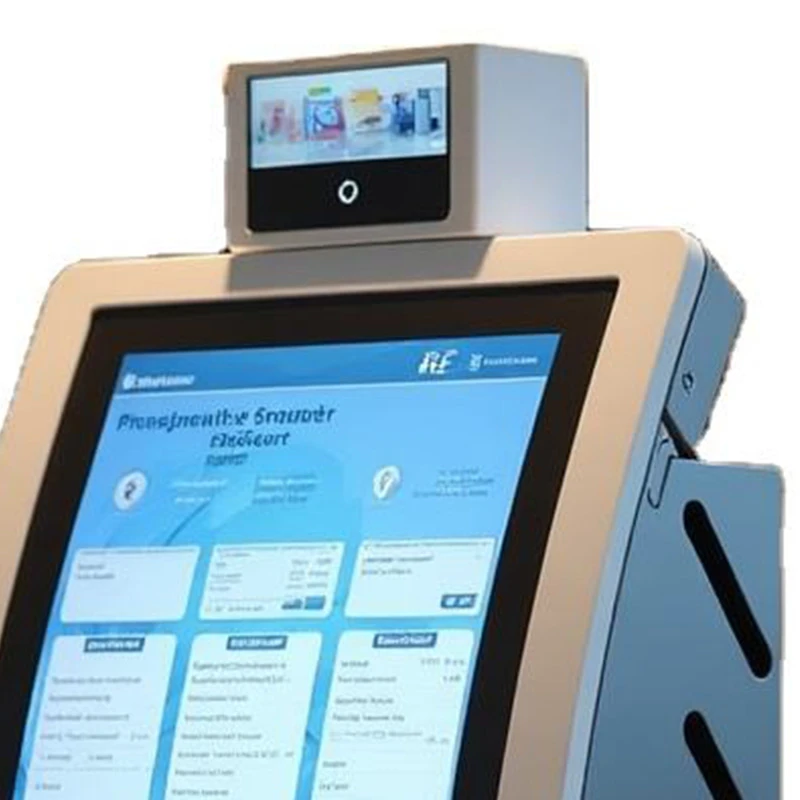
Screen & Cabinet Profile
Review the display opening, viewing position and side profile against the selected hardware and enclosure drawing.
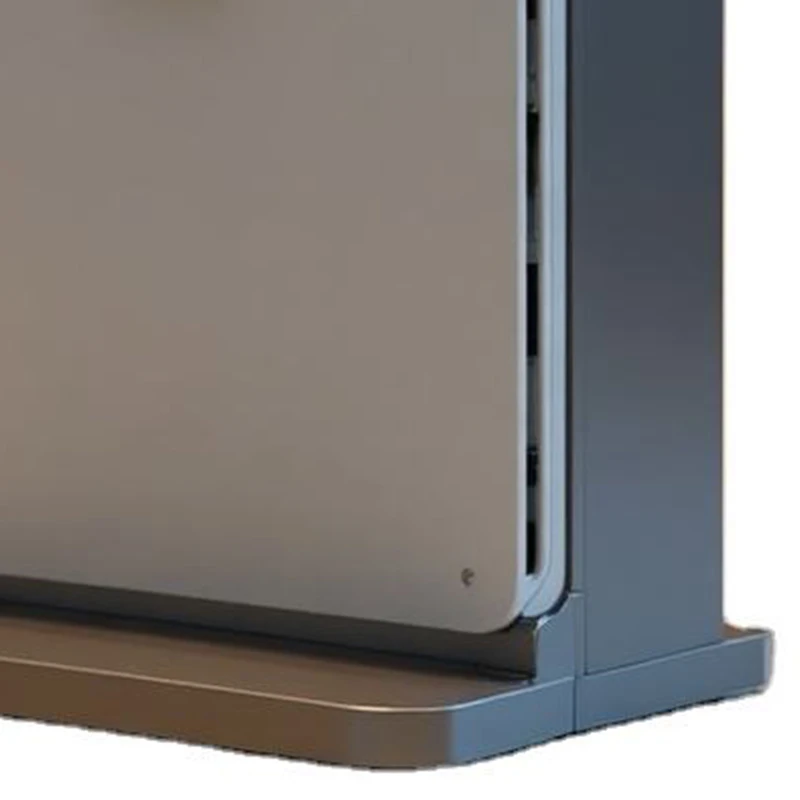
Lower Panel & Base
Confirm the cabinet footprint, installation method, cable entry and access needed for maintenance.
Plan a Clear Visitor Check-In Journey
Use the following sequence to plan your interface and hardware positions. These functions depend on the selected visitor-management application and connected devices.
01 Identify the Visit
Let a visitor enter their details or scan an invitation QR code when supported by your application. Position any scanner where a phone can be presented comfortably.
02 Confirm the Details
Present the host, appointment or destination for confirmation. Add site instructions or an acknowledgement step where your reception process requires one.
03 Complete Check-In
If specified, print a visitor badge or send an arrival notification through the connected software. Confirm printer media, device drivers and notification services.
04 Guide the Next Step
Display arrival instructions and a clear route to staff assistance. Plan check-out, failed scans and unavailable host handling with the software provider.
Match the Hardware to Your Reception Software
Select components together with your software provider before the cabinet layout is finalized. The items below are configuration topics for review; inclusion and compatibility depend on the agreed project scope.
| Hardware | What to Confirm |
|---|---|
| Display & touch | Confirm screen dimensions, orientation, active viewing area, brightness and touch interface. Provide the exact display drawing and consider both standing and seated visitors. |
| Computer & OS | Specify the application requirements, operating system, processor, memory, storage and ports. Check device drivers and startup behavior on the proposed hardware. |
| QR / barcode scanner | An optional scanner can support invitation-code workflows. Confirm the scanner model, USB or other interface, viewing window and reading position using real phone screens and printed codes. |
| Badge printer | For badge-printing projects, confirm the printer and label format, roll dimensions, output slot and refill clearance. Reserve service access before approving the enclosure. |
| RFID / NFC or ID reader | Review the exact card technology or supported document types, reader dimensions, interface and software support. A reader opening alone does not establish application compatibility. |
| Camera & audio | Discuss camera position, field of view, lighting and any audio requirements. Photo capture, remote assistance and identity functions require the appropriate application and devices. |
| Power, network & service | Provide power and network requirements and agree cable entry, routing, ventilation and maintenance access. Confirm the mounting or anchoring method for the final site. |
| System links | Host alerts, visitor records, door release and check-out are software or system-integration functions. Agree the interfaces, permissions and testing responsibilities with the relevant providers. |
Explore the wider Legoyo kiosk display range or discuss the enclosure and component list for your own reception application.
Applications for Reception and Visitor Projects
Corporate Offices
Plan appointment lookup and visitor registration near the lobby entrance. Keep the next step clear and leave space for guests waiting for their host.
Shared Offices & Business Parks
Discuss tenant selection, building directories and host routing with the software provider. Coordinate cabinet branding with the reception space.
Clinics & Appointment Centers
Review appointment check-in and arrival guidance around the site workflow. Confirm screen visibility, cleaning requirements and the handling of visitor information.
Campuses & Industrial Sites
Plan visitor registration and site instructions alongside security procedures. Include an assisted route for deliveries, contractors and visitors who need help.
Custom Enclosure & Fabrication Specifications
Review the carbon-steel enclosure specifications and fabrication options below. An approved drawing and written quotation define the final construction and acceptance criteria.
| Item | Details |
|---|---|
| Material | Carbon steel. Confirm grade, sheet thickness and component requirements in the drawing. |
| Processes | Laser cutting, precision stamping, bending, CNC stamping, threading, riveting, drilling and welding, according to the part design. |
| Surface treatment | Powder coating or chrome plating, subject to the selected part and agreed finish. |
| Size & layout | Custom dimensions accepted. Agree the cabinet footprint, display cutout, internal mounting points and service clearances. |
| Color options | White, black, silver, red and gray, with Pantone or RAL references for custom color discussions. Approve the finish sample where color matching is required. |
| Logo & marking | Silkscreen, digital printing or decal options, according to the approved artwork and finish. |
| Drawing formats | DWG, IGS, STEP, PDF, JPG and sketches. Supply dimensioned component drawings for fit checks and quotation. |
| Tolerance | Fabrication reference: ±0.2 mm. Applicable dimensions, features and measurement methods must be agreed on the approved drawing. |
| Inspection | Pre-delivery quality inspection, with inspection reports available. Confirm the required dimensional, visual and assembly checks for your order. |
| Sample planning | Sample reference: 5–10 days. Confirm the actual schedule for the approved design, finish and component availability. |
| Order terms | Request a project quotation for the supply scope, sample charge, order quantity, production schedule, packing, payment terms and destination. |
From Drawing Review to an Approved Build
01 Define the Scope
Send the application, drawings, component models and target quantity. Agree the cabinet structure and identify which components each party will supply.
02 Approve the Sample
Review the appearance and dimensions, then test component fit, cable paths, screen visibility and maintenance access before releasing the design.
03 Confirm Production
Lock the drawing revision, material, finish and marking artwork. Include assembly and wiring requirements when these are part of the order.
04 Agree Final Checks
Confirm inspection points, packing and shipment details. For an assembled kiosk, include a functional check using the agreed software and peripherals.
Prepare These Details for a Useful Quotation
A clear project brief helps align the enclosure, components and installation before sampling.
Application & quantity. State the visitor workflow, sample quantity, estimated rollout quantity and delivery destination.
Site & installation. Provide indoor placement details, available floor space, power and network points, mounting requirements and maintenance clearances.
Screen & peripherals. List the display, computer, scanner, printer and reader models, or explain which parts need to be selected.
Software & interfaces. Name the application and OS requirements. Identify required drivers, connections and the party responsible for software integration.
Drawings & appearance. Attach dimensioned drawings, color references, logo artwork and any requirements for access panels, brackets or cable entry.
Frequently Asked Questions
Start with Your Lobby, Workflow and Component List
Share your reception layout, software requirements and target quantity with Legoyo. We can review the enclosure design and quotation scope around the components your project needs.
Request Your Check-In Kiosk Quote
Planning a broader deployment? View our kiosk display products or send a project inquiry.
Hot Tags: self-service check-in kiosk, lobby reception kiosk, visitor check-in terminal, custom kiosk enclosure, sheet metal kiosk cabinet, OEM kiosk enclosure


