


SMART RETAIL & HOSPITALITY · SIN-00381
21.5-Inch Android Touch Screen Self-Service Kiosk
Bring customer interaction into your retail or hospitality service flow. This Android kiosk configuration pairs a 21.5-inch touch interface with a customizable metal enclosure for registration, information and transaction projects.
Develop the application, selected devices and enclosure together so the finished terminal supports the task your customer needs to complete.
21.5-inch touch configuration · Android application planning · Custom steel housing
Choose the Service Your Customer Will Use
Start with the application journey, then select the hardware and integrations needed for that journey.
01
Restaurant Service
Plan menu browsing, order selection or payment steps around your restaurant application and selected peripherals. Read our smart restaurant planning guide.
02
Hotel & Reception
Build a clear arrival, registration or information flow. Identify the property-system connection and any guest-facing devices required by the project.
03
Retail Information
Present product information, service options or assisted ordering. Keep the interface consistent with your merchandise and store procedures.
04
Public & Business Services
Organize enquiries, service selection or registration into a short sequence with clear completion and staff-assistance instructions.
Design the Customer View and the Service Access
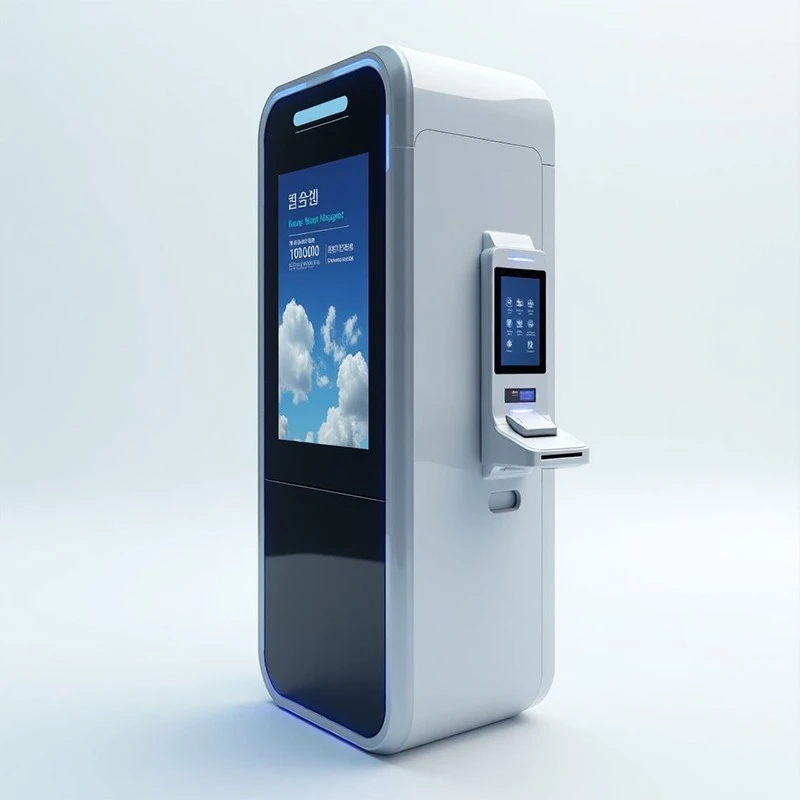
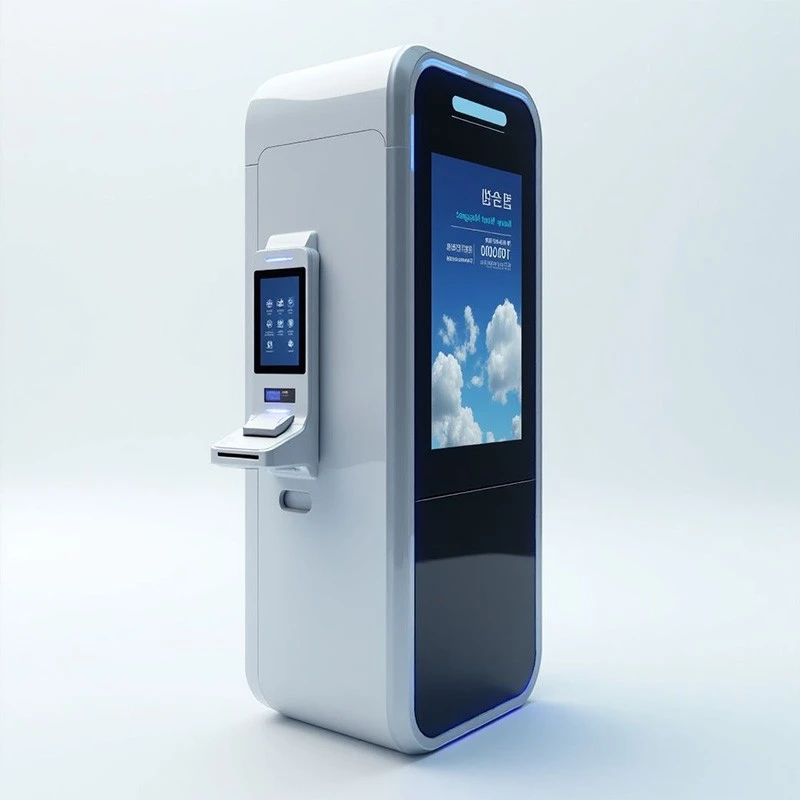
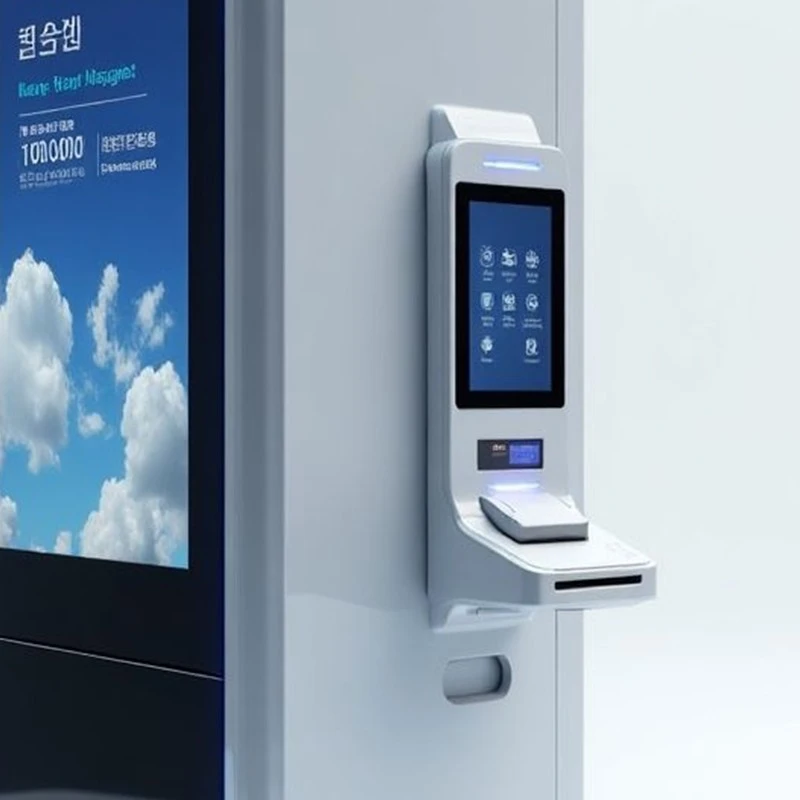
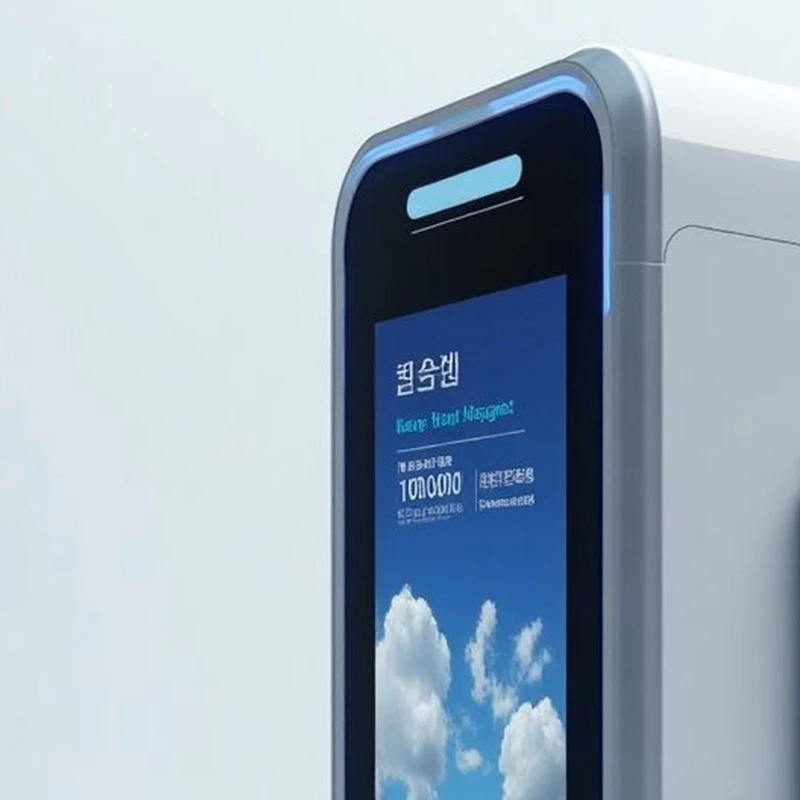
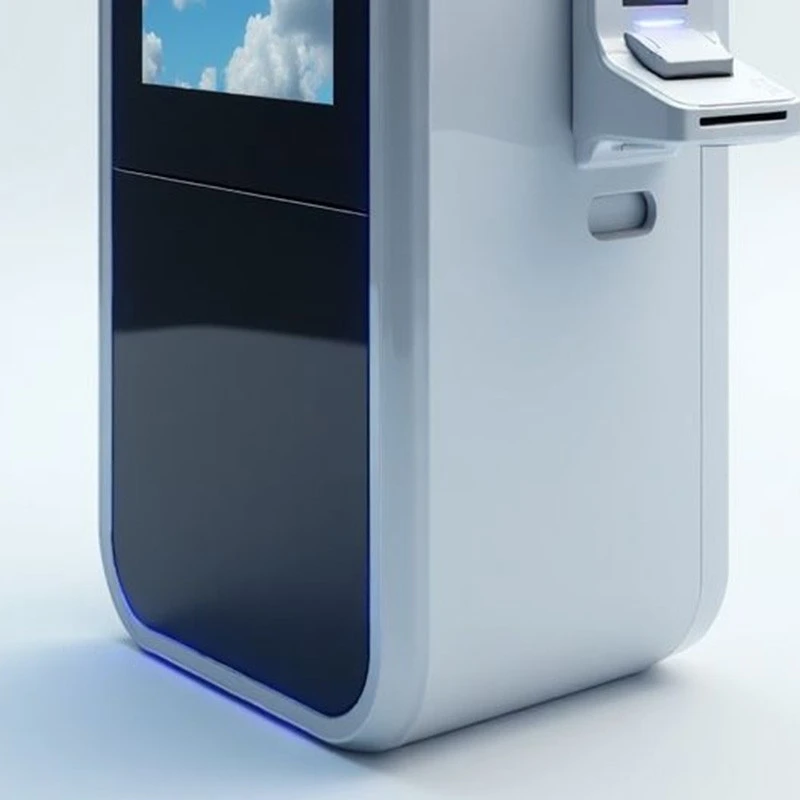
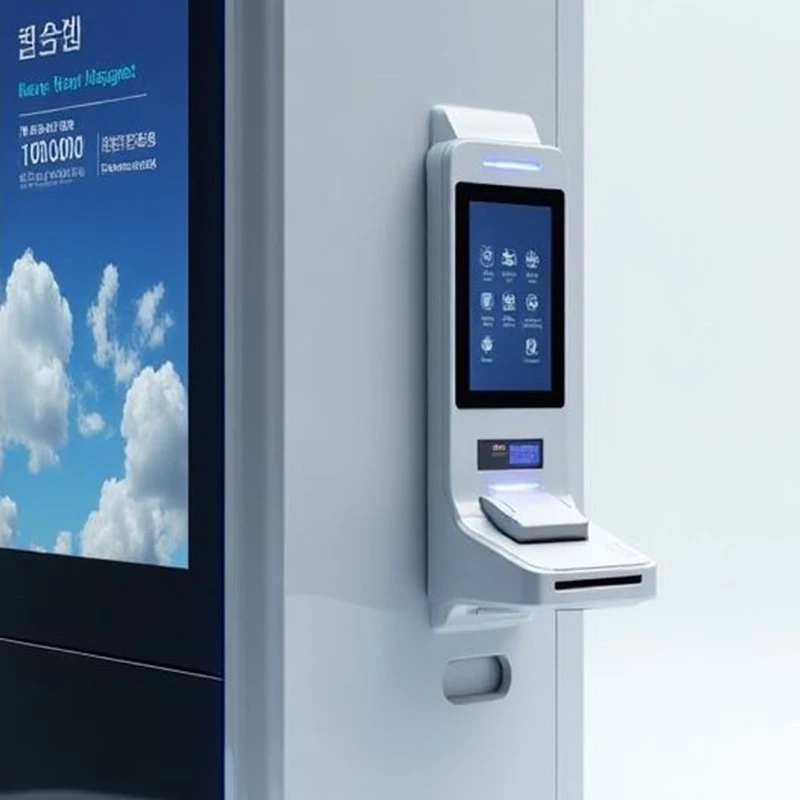
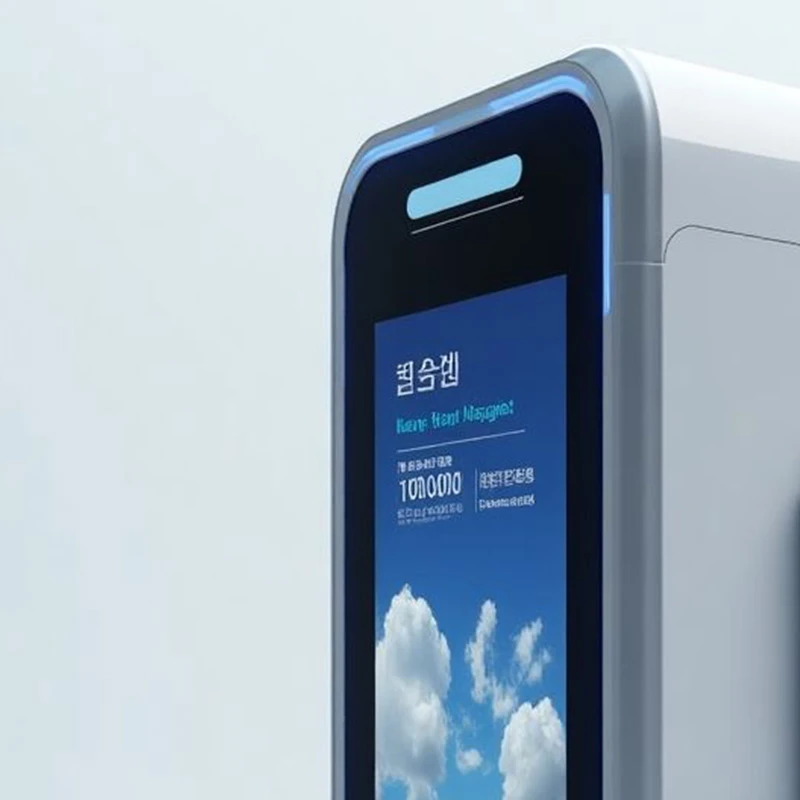
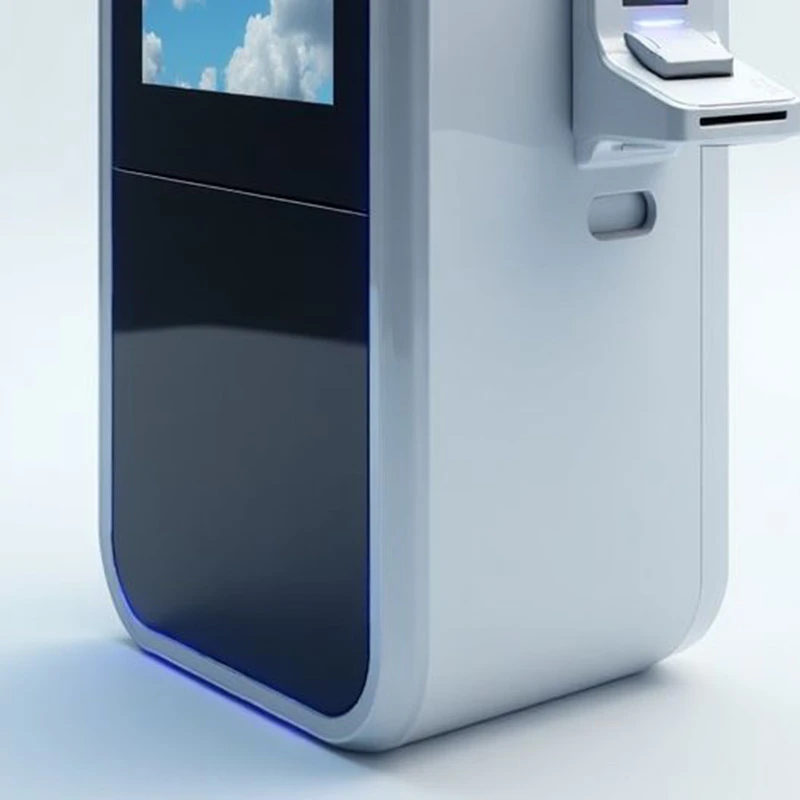
The renderings illustrate the proposed enclosure arrangement. Define the final screens and devices in the project equipment list.
Product Configuration at a Glance
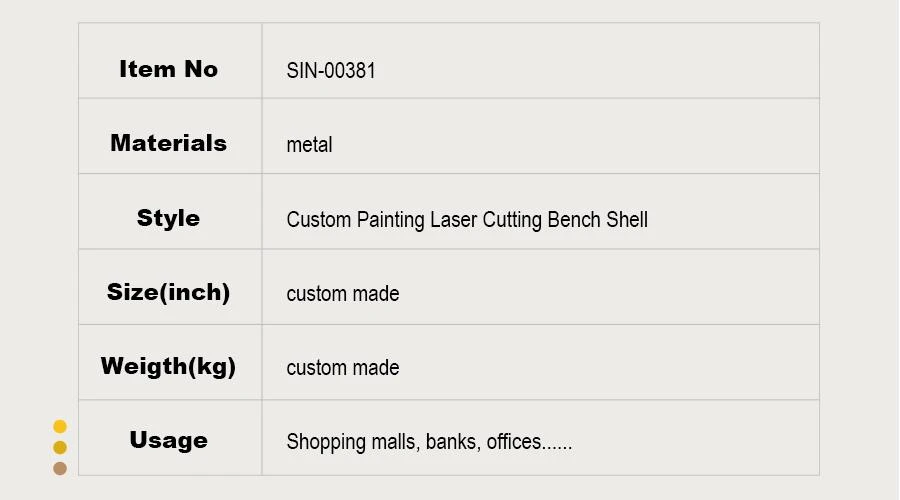
| Item | Project Configuration |
|---|---|
| Reference item | SIN-00381 |
| Display format | 21.5-inch touch screen |
| OS family | Android; exact build and application requirements to be specified |
| Housing material | Carbon steel |
| Size and weight | Custom made according to the approved drawing and selected hardware |
| Finish and branding | Powder coating / chrome plating; silkscreen, digital printing or decal |
A Custom Enclosure for the Selected Build
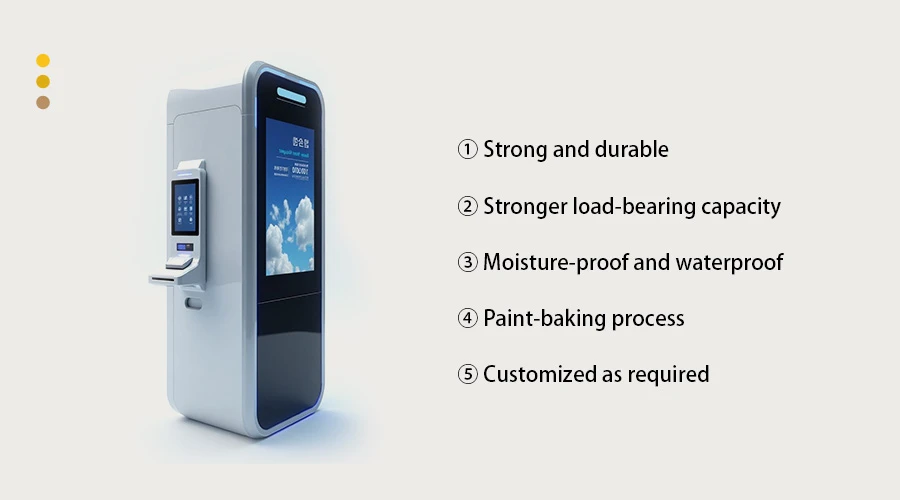
Coordinate the Housing with the Equipment
The reference design combines a tall display housing with a side interaction area. Review the arrangement against your screen, controller, device mounts and the customer's approach.
Mechanical design: specify openings, brackets, access points and internal clearance on the drawing.
Exterior design: coordinate color, finish and branding with the installation.
For locations exposed to moisture or other demanding conditions, agree environmental protection and testing requirements for the assembled terminal.
Prepare the Android Application for Daily Use
Test your intended application on the selected Android build before deployment, including its device connections and public-user behavior.
| Item | Planning & Validation |
|---|---|
| App support | Provide the APK or web-application requirements. Review the target Android version, resource needs, dependencies and screen orientation. |
| User mode | Specify app launch after startup, permitted navigation, idle return behavior and the staff maintenance entry. |
| Devices | List any printer, scanner, reader or payment device. Check interfaces, power, drivers and application support using the selected models. |
| Updates and support | Agree the application update method, network needs, device-management responsibility and system support arrangements. |
Manufacturing Capabilities for the Enclosure
Use the drawing to connect the exterior design, component interfaces and inspection requirements.

| Item | Capability / Requirement |
|---|---|
| Quotation and materials | Drawing-based quotation, including PDF; carbon steel enclosure fabrication |
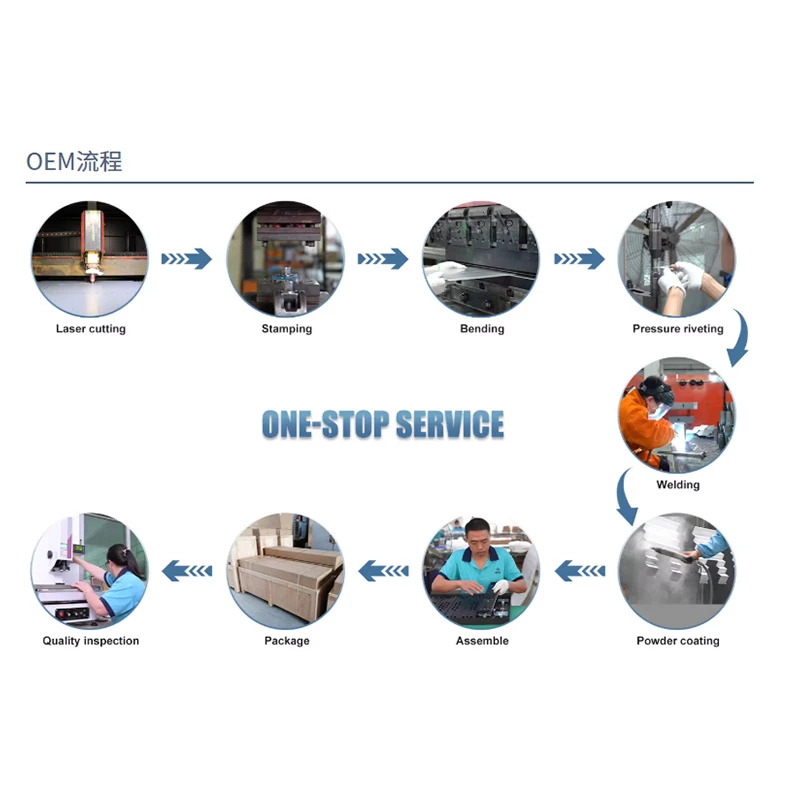
| Processes | Laser cutting, precision stamping, bending, CNC stamping, threading, riveting, drilling and welding |
| Surface and marking | Powder coating / chrome plating; silkscreen, digital printing or decal |
| Tolerance | Listed ±0.2 mm; agree dimension-specific tolerances on the approved drawing |
| Inspection | 100% QC inspection before delivery; quality inspection report available |
| Drawing formats | DWG, IGS, STEP, PDF, JPG and sketch |
Custom Appearance, Dimensions and Packing

Make the Terminal Fit Your Brand and Site
- Cabinet size: define the footprint, screen position and side-device arrangement.
- Color and finish: choose white, black, silver, red, gray or a specified Pantone / RAL reference.
- Branding: plan printed graphics, decals and equipment identification.
- Packaging: agree protection and delivery requirements for the selected supply scope.
Share the component dimensions and application layout early so the enclosure and user interface can be reviewed together.
Use the Pilot to Validate the Complete Workflow
Combine the enclosure sample, Android build and intended application in one acceptance plan.
Approve More Than the Exterior
01 Mechanical Fit
Check the screen opening, brackets, device mounting, cable routing, access and surface finish.
02 Complete User Task
Run the actual application with selected devices. Test touch response, page layout and the expected completion flow.
03 Recovery and Maintenance
Check restart behavior, idle reset, network interruptions, device errors and staff access to maintenance functions.
Prepare the Quote and Sample Specification
Information for Your Project Quote
- Application purpose and required Android software
- Screen, controller and peripheral requirements
- Enclosure drawing or footprint, color and branding
- Quantity, installation location, supply scope and delivery destination
| Order Item | Reference Terms |
|---|---|
| Sample lead time | Listed 5–10 days; confirm the drawing, materials and sample scope |
| Sample charge | Listed at three times the unit price; confirm the project quotation |
| Production payment | 50% deposit; 50% balance before telex release of the Bill of Lading |
| Order confirmation | Agree equipment, software responsibilities, sample acceptance, schedule and commercial terms in writing |
Questions About Your Android Kiosk Build
Bring Your Android Self-Service Project Together
Share your application journey, hardware requirements and quantity. We can review the SIN-00381 enclosure and proposed 21.5-inch Android configuration for your project.
Request My Android Kiosk QuoteExplore self-service terminal solutions · Browse kiosk displays · Contact our team
Hot Tags: 21.5 inch Android kiosk, self service touchscreen kiosk, smart retail terminal, restaurant self service kiosk, custom kiosk housing, SIN-00381


