


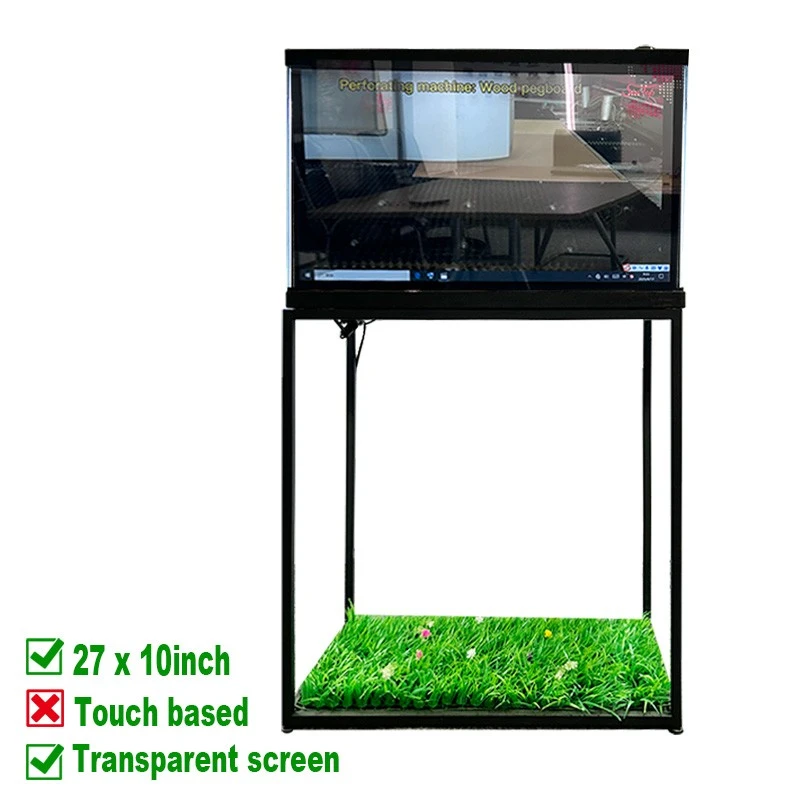
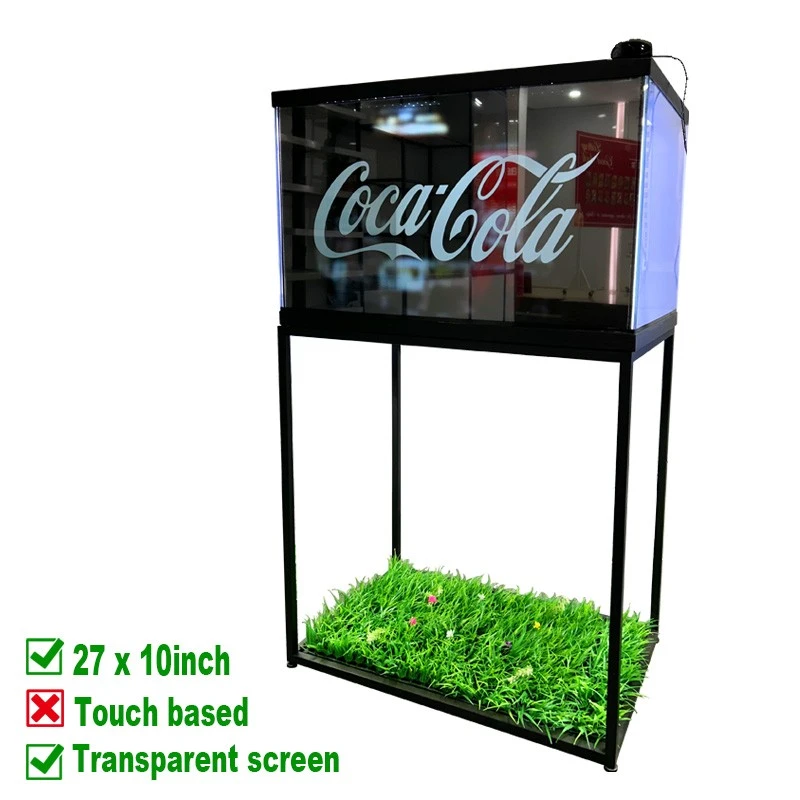
27 × 10-Inch Transparent LCD Touch Screen for Glass Cabinet Integration
Add digital product information, motion graphics and touch interaction to a glass cabinet without hiding the physical item behind the screen. This 27 × 10-inch transparent LCD is designed for B2B display projects, custom retail fixtures, exhibition showcases and OEM/ODM cabinet integration.
Legoyo supports fixture manufacturers, system integrators, distributors and brand teams with panel-level supply and project coordination. For broader formats, visit our transparent LCD screen range.
Transparent touch display
Combine a real product and interactive digital content on the cabinet viewing surface.
OEM cabinet integration
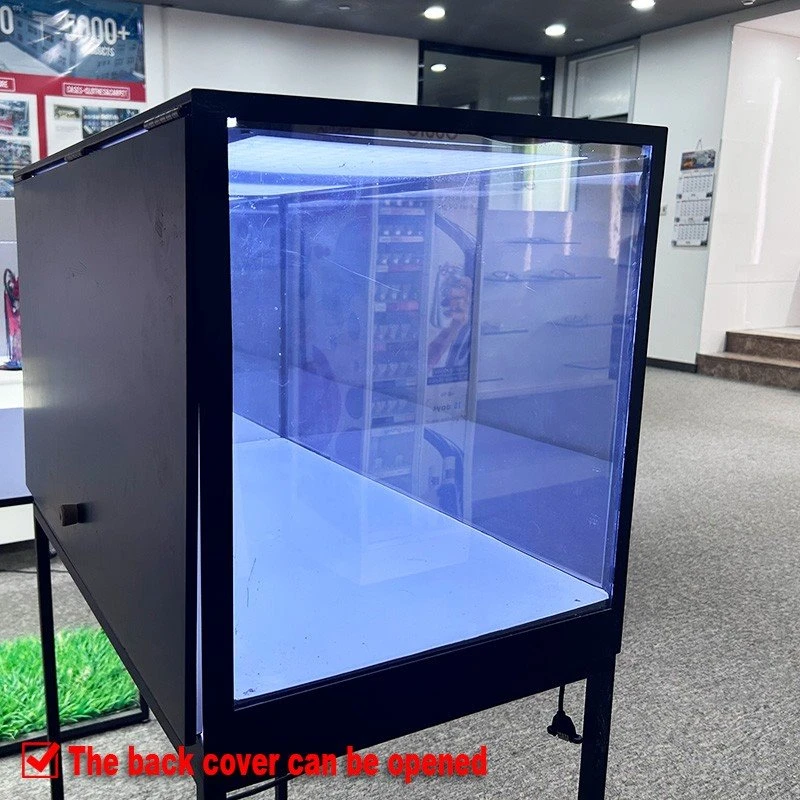
Coordinate the screen, opening, lighting, controller, ventilation and service access around your fixture drawing.
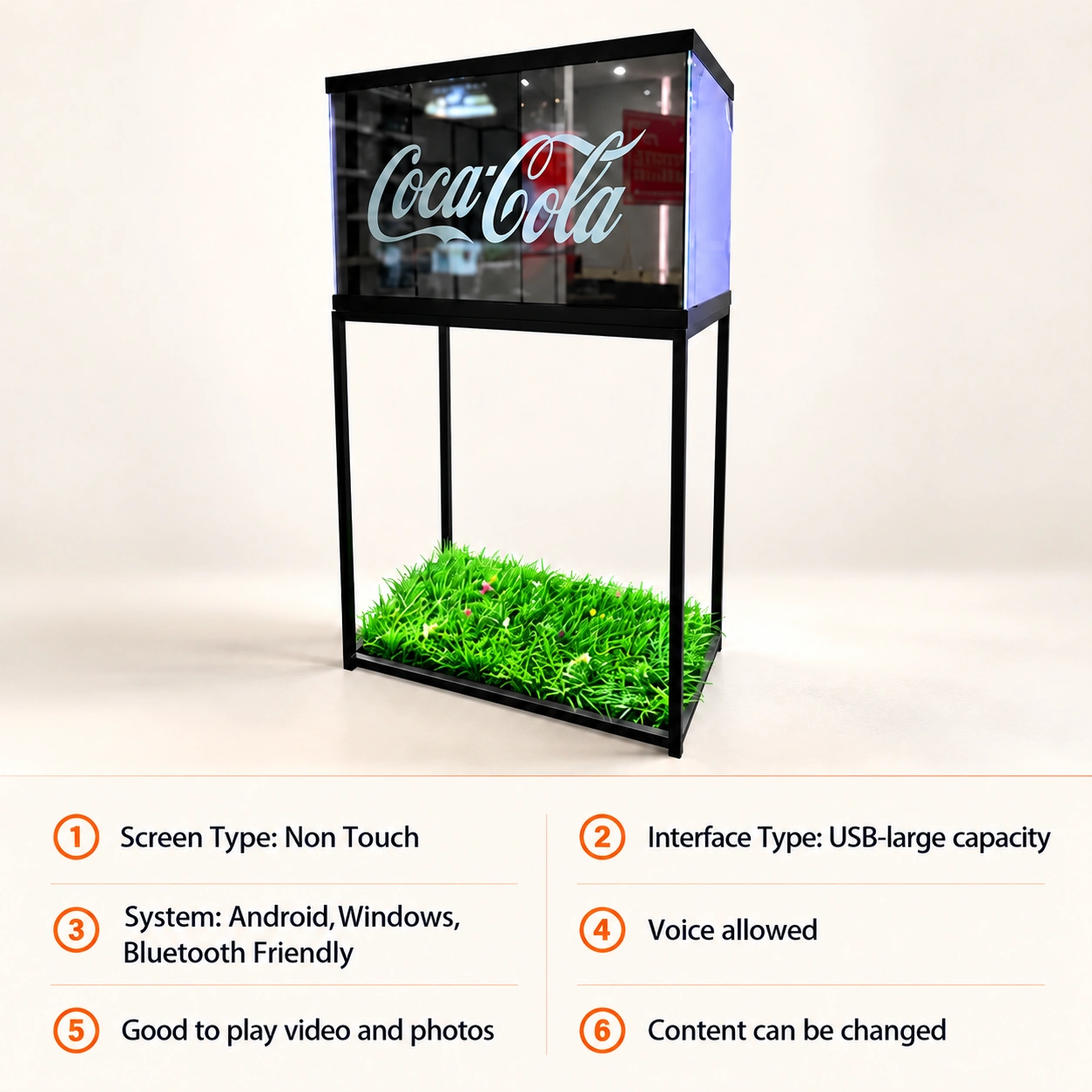
27 × 10 in
Listed screen size
1920 × 1080
Listed FHD resolution
43%
Listed light transmittance
60 Hz
Listed refresh rate
Turn a Glass Cabinet into an Interactive Product Story
One viewing surface, two layers of information.
The physical product remains visible through the transparent display while digital labels, animation, video and interface elements appear in front. This is useful when a conventional LCD would conceal the merchandise and a standard glass cabinet would provide too little explanation.
For touch-led projects, visitors can open specifications, compare options, select a language or move through a guided presentation. The final touch controller, host connection and software workflow should be confirmed with the cabinet and playback system.
The screen is one part of the finished installation. The cabinet opening, internal lighting, product position, protective structure, controller, cable route and ventilation must be planned together. See how Legoyo approaches a complete transparent display case project.
Why Specify This Format for a Custom Cabinet?
The 27 × 10-inch transparent screen is suited to projects that need a wide, compact digital layer across a cabinet, counter fixture or product bay.
Keep the Product Visible
Show the real product, materials and form behind the screen while adding digital information in the same line of sight.
Integrate into Your Fixture
Build a guided product experience for feature discovery, comparison, language selection or lead capture with the appropriate host system.
Update the Message Digitally
Refresh launch content, promotions and product education without replacing the cabinet graphics every time the campaign changes.
Match Graphics to the Object
Position labels, highlights and motion around the physical item so the digital layer appears connected to the product behind it.
simulator
Use the panel in a purpose-built cabinet, branded counter, exhibition plinth or OEM enclosure after the mechanical design is reviewed.
Prepare for B2B Rollout
Start with a sample or pilot fixture, validate the effect in the real environment, then confirm the repeatable configuration for batch orders.
Product Images and Integration Reference
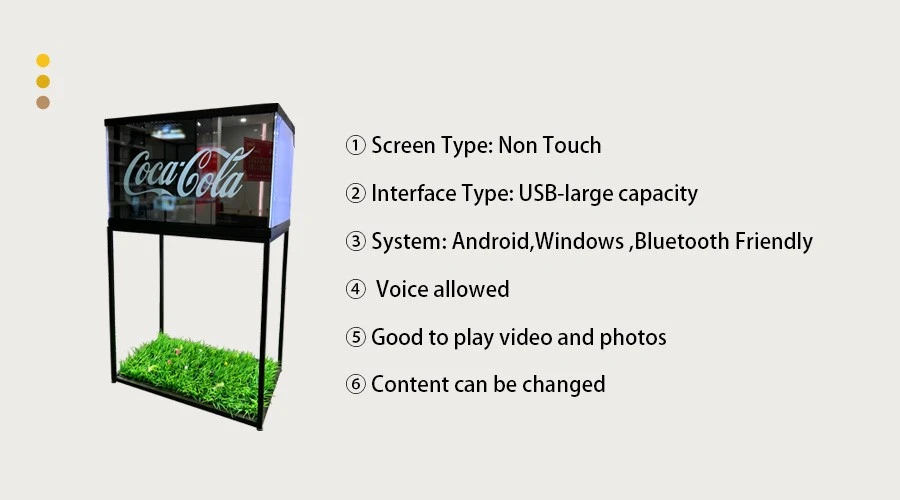
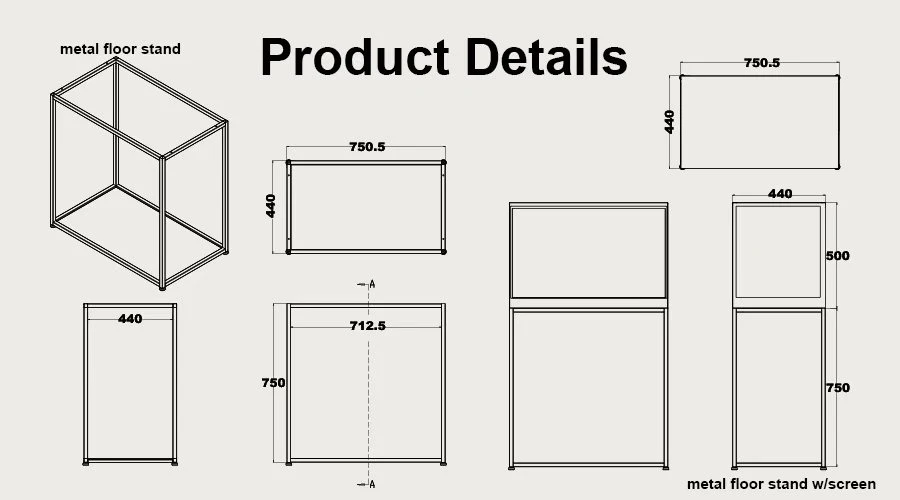
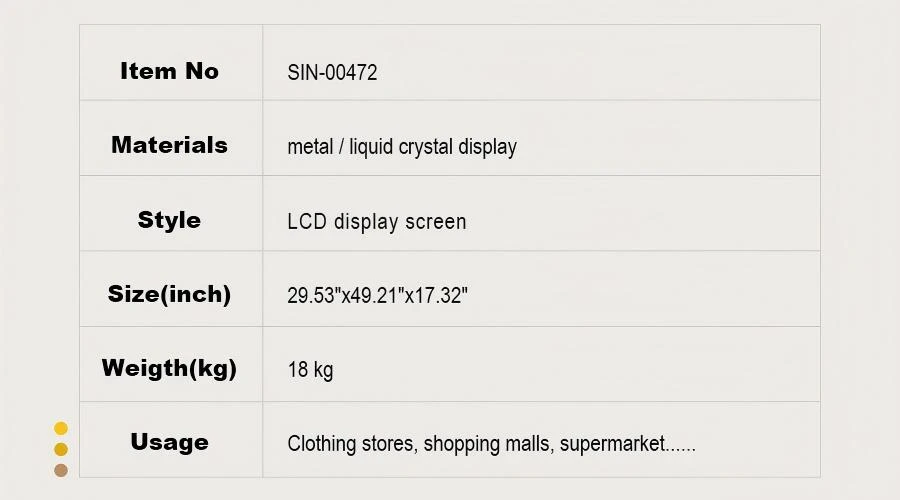
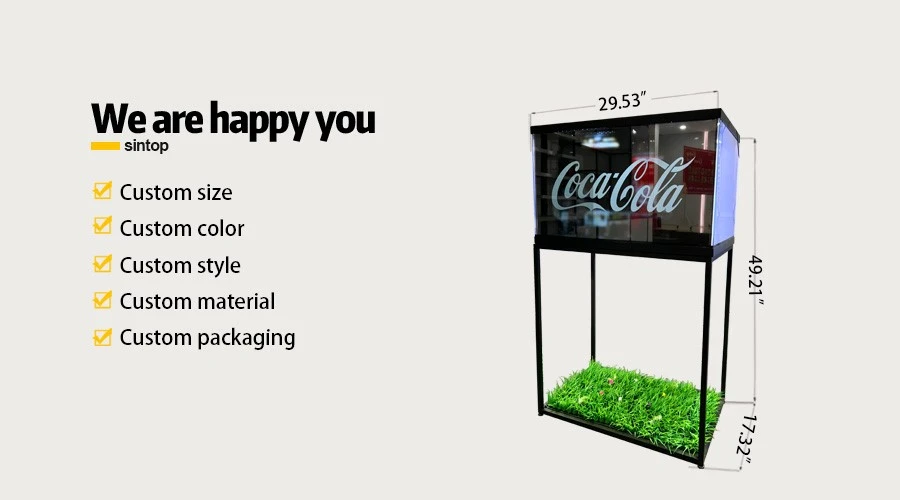
27 × 10-Inch Transparent LCD Specifications
Supplied Product Data
| Screen size | 27 × 10 inches | Panel technology | Transparent display panel |
| Lighting technology | Backlight | Resolution | 1920 × 1080 (FHD) |
| Brightness | 200 / 600 cd/m² (APL 100% / 25%) | Contrast ratio | 1500:1 |
| Color | 10-bit (R), 1.07B colors (1B = 1 billion) | Response time | 1 ms (G to G), 8 ms (MPRT) |
| Light transmittance | 43% | Screen weight | 1.5 kg |
| Orientation | Vertical and horizontal | Refresh rate | 60 Hz |
| Operating environment | 5°C to 45°C; 30% to 80% operating humidity; elevation 0 to 5000 m | Input and rated power | 100-220 V AC; rated power consumption ≤180 W |
| Touch configuration | Touch-enabled product; controller, host interface and operating-system compatibility to be confirmed for the project | Cabinet scope | Glass cabinet, frame, player, lighting and mounting are confirmed according to the selected supply scope |
The values above retain the supplied product information. Final mechanical drawings, touch interface, controller, cabinet dimensions, total assembly weight and project accessories should be confirmed in the approved quotation and drawing.
Glass Cabinet Integration Checklist
A successful transparent LCD cabinet is an engineered assembly. Review these items before the cabinet opening and frame are finalized.
Opening and Bezel
Confirm the visible opening, active image area, bezel coverage, edge protection and tolerances from the approved panel drawing.
Interior Lighting
Plan even lighting behind the panel so the product remains visible and the digital image has usable contrast without harsh reflections.
Product Position
Mark the product location and viewer sightline so on-screen callouts can align with the physical item instead of covering it.
Touch and Host System
Define the required gestures, touch controller, computer or media player, operating system, content software and connection method.
Power and Cable Route
Provide safe power distribution, signal routing and strain relief while keeping service cables out of the product presentation area.
Ventilation and Access
Define the required gestures, touch controller, computer or media player, operating system, content software and connection method.
Content Design for a Transparent Touch Display
Design around the real object, not around a conventional monitor.
Map the product position before artwork begins. Keep critical labels clear of important physical details, use short copy and test text at the real viewing distance. Motion should direct attention to the item rather than becoming a separate visual layer.
Build touch targets large enough for public use and provide an obvious path back to the start. If the screen will run unattended, plan an automatic return to the attract loop after inactivity.
Evaluate the complete loop on the actual screen with the final interior lighting, product, cabinet surfaces and ambient light. A desktop preview cannot reproduce the final transparency and reflections.
Applications for the 27 × 10-Inch Transparent Touch Screen
Use the transparent screen where the audience needs to inspect a real object and access digital information at the same display point.
Jewelry, Watches and Gifts
Overlay materials, craftsmanship, collection stories or model choices while the premium item remains protected and visible. Explore related gift shop displays.
Consumer Electronics
Present specifications, functions and comparison content beside a secured device. Review more 3C store display applications.
Cosmetics and Beauty
Connect the real package with ingredient highlights, routine steps, shade information and campaign media. See cosmetics store solutions.
Museums and Exhibitions
Add interpretation, process video, language options or a guided interactive layer in front of a protected artifact or demonstration object.
Pharmacy and Personal Care
Present product education, use instructions and category guidance close to the displayed package. Browse pharmacy display ideas.
Launches and POP Fixtures
Use the cabinet as a focal point for new products, trade-show demonstrations and temporary campaigns. Compare our POP display solutions.
OEM/ODM Project Workflow
From cabinet concept to repeatable B2B configuration
01. Share the Project Brief
Send the application, estimated quantity, destination, cabinet opening, internal depth, product size, orientation, viewing distance and installation photographs or drawings.
02. Confirm the System Scope
Define the panel, touch requirement, controller, player or host PC, power, lighting, mounting, protective structure, software workflow and any private-label or packaging needs.
03. Review Drawings and Sample
Check the approved dimensions, mounting points, visible area, cable route and service access. Validate representative content and touch behavior on a sample or pilot fixture where required.
04. Approve the Order Configuration
Record the final hardware, drawings, accessories, inspection requirements, delivery scope and batch quantity in the quotation before production.
Information Needed for an Accurate Quotation
| Project item | Details to provide |
| Application and quantity | Retail cabinet, exhibition, museum, showroom or OEM equipment; sample, pilot and estimated batch quantity |
| Cabinet dimensions | Visible opening, internal depth, frame material, product position, access direction and available service space |
| Interaction and playback | Touch requirement, host device, operating system, input signal, content update method, network and software workflow |
| Environment | Indoor location, operating hours, ambient light, nearby windows, temperature, ventilation and expected viewer distance |
| Customization | Frame finish, branding, mounting, cable location, accessories, packaging, labeling and required compliance documents |
Frequently Asked Questions
Plan Your 27 × 10-Inch Transparent LCD Cabinet
Send your cabinet drawing, product dimensions, touch workflow, quantity and installation environment. Legoyo will review the required screen scope and project configuration for your B2B, OEM or ODM application.
Compare more transparent LCD screen products, browse display application cases, or contact the team directly.
Hot Tags: 27×10 transparent LCD touch screen, transparent LCD display, glass cabinet screen, transparent touch display, retail showcase display, interactive display cabinet, OEM transparent LCD, Legoyo


