Using a consumer TV for commercial purposes voids the manufacturer's warranty. Most procurement teams discover this after the second or third replacement-by which point their "budget" solution has already exceeded the cost of a single commercial panel.
The price gap between a $300 consumer TV and a $1,200 commercial LCD panel looks significant on a purchase order. On a spec sheet, the differences seem minor: same resolution, similar screen size, both claim LED backlighting. The real separation shows up around month fourteen, when consumer-grade displays running twelve hours daily in a retail environment begin failing or degrading visibly. Commercial panels are engineered for 50,000 to 100,000 hours of continuous operation-but that number assumes proper installation and thermal management, which is where most deployments go wrong.

Where the Engineering Actually Differs
Brightness ratings tell only part of the story. Consumer panels typically output 200-300 nits; commercial-grade LCD display panels for retail start at 400-700 nits for indoor use and reach 2,500-5,000 nits for window-facing installations. When afternoon sun hits your storefront glass, this isn't about aesthetics-it's whether customers can read your pricing at all.
Thermal management creates the real separation. When we evaluate installation sites, the first question isn't screen size-it's airflow. LED junction temperature above 85°C cuts luminous efficacy by 3-5% per additional 10°C. Commercial panels address this with thicker aluminum heat dissipation backplates; consumer units skimp here because home use never pushes thermal limits. In a sealed retail environment with poor HVAC circulation, this difference determines whether your display blacks out during peak summer hours.
There's a specification most buyers never encounter: Tni, the nematic-isotropic transition temperature. When panel temperature exceeds this threshold, large black spots appear on screen. Industrial-grade commercial LCDs use high-Tni liquid crystal formulations specifically because window-facing retail installations in hot climates will push standard panels past their limits within the first summer.

ROI: Where the Numbers Come From Matters
A 30-store pharmacy chain we worked with in the Midwest tracked 11% lift on promoted items within the first quarter-with weekly content rotation and placement at checkout. A fast-fashion retailer with twice the screen count saw zero measurable impact because promotional content wasn't updated after launch week. Same hardware category, opposite outcomes.
Payback periods for retail digital signage typically fall between 8 and 18 months when content management is active. The variables that swing this range: transaction value (convenience stores need far more influenced purchases than furniture retailers to hit the same dollar impact), attribution methodology (measuring lift on promoted items shows dramatic percentages; overall store sales shows modest single digits), and refresh discipline.
The 25-35% engagement increases cited in industry reports represent deployments where someone actually manages the content. We quote 8-15% as a planning assumption for clients who aren't ready to commit dedicated resources to content rotation-it's conservative, and it still pencils out within two years for most retail footprints.

Five-Year TCO: The Math That Closes the Discussion
| Cost Element | Consumer TV | Commercial LCD |
|---|---|---|
| Initial hardware | $300/unit | $1,200/unit |
| Replacements over 5 years | 2-3 units + labor | 0 |
| 5-year hardware cost | $1,100-1,800 | $1,200 |
| Warranty coverage | Voided for commercial use | 3 years standard |
| Energy differential | Baseline | 15-25% lower |
The commercial panel costs less in every scenario where you're running screens more than six hours daily. At eight-hour operation, the crossover happens around month 30. At twelve hours, it's month 18. We've stopped quoting consumer alternatives for any client planning beyond a 24-month deployment horizon-the support burden alone isn't worth the margin.
Installation Failures We Actually See
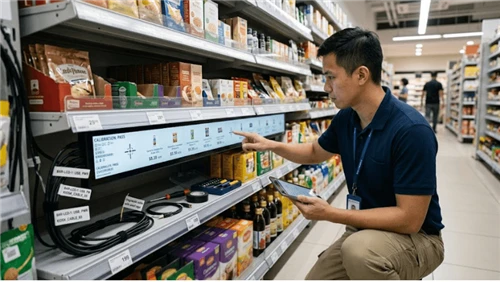
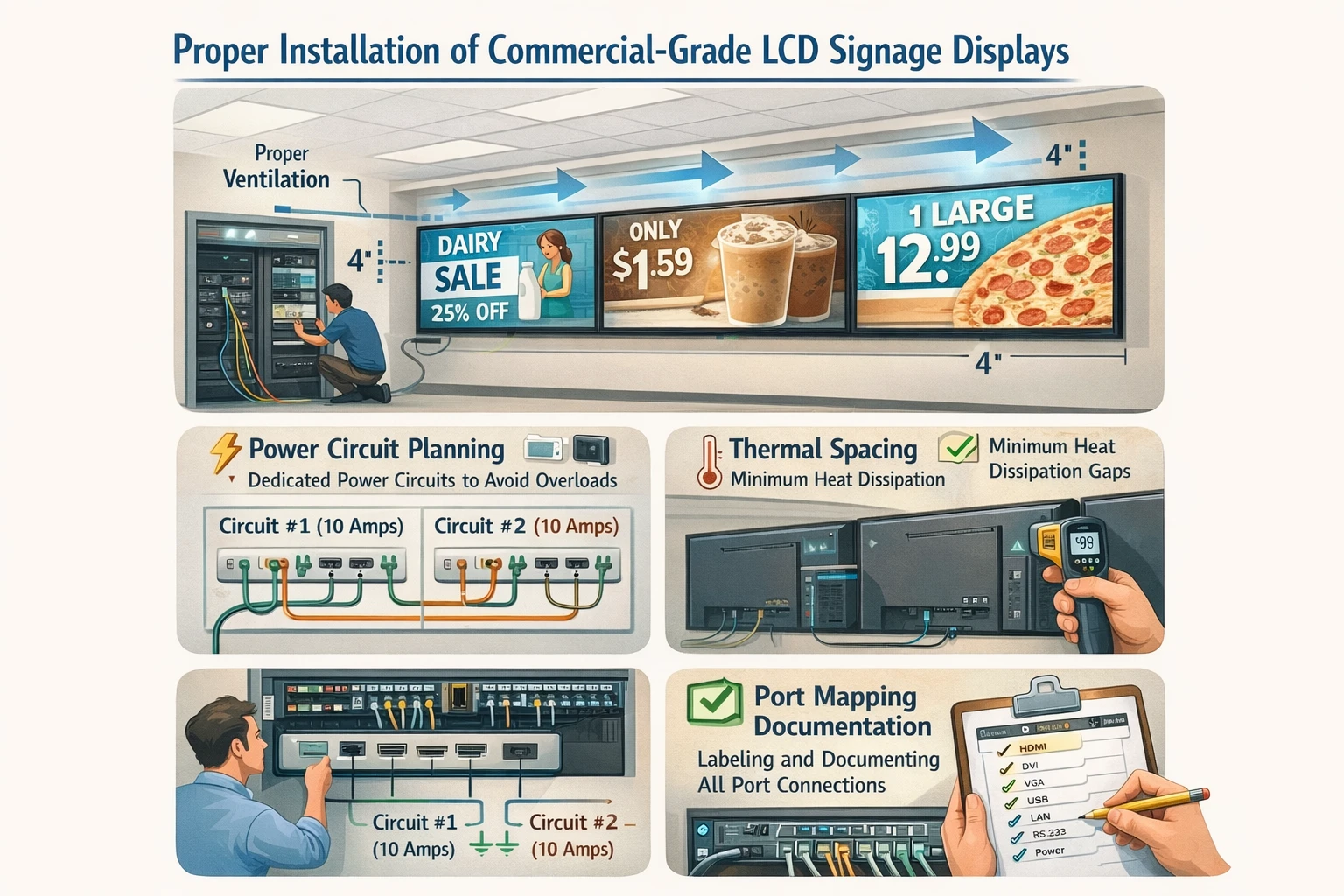
Sixty percent of our service calls in the first 90 days trace to configuration, not hardware. The most common: input source mismatches where installers connect HDMI to port 2 and configure the media player for port 1. Labeling ports at install eliminates this category entirely. We now include port mapping documentation as a standard deliverable-it costs nothing and cuts early service volume in half.
Power circuit planning fails almost as often in retrofit environments. Commercial-grade lcd signage displays draw 2.5-4.5 amps per unit at full brightness. Chain four displays onto a 15A circuit without calculating peak load and you get intermittent blackouts that look like hardware failure but aren't. NEC electrical code specifies 80% maximum sustained load-a specification that AV integrators follow but general contractors regularly ignore when "just adding a few screens."
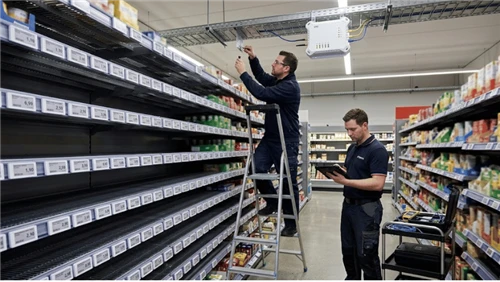
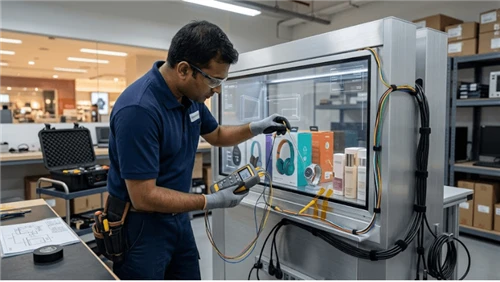
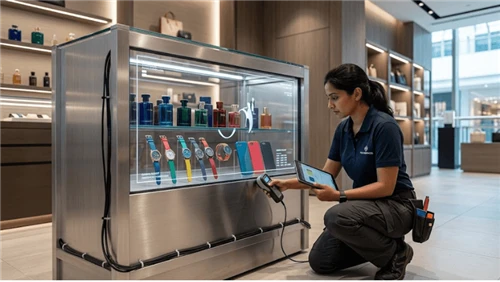
Thermal spacing gets overlooked in tight retail environments. We've documented displays failing at 18 months that should have lasted seven years, entirely due to mounting decisions made to save four inches of floor space. Our standard site assessment now includes thermal imaging during peak operation hours-an extra step that's prevented three warranty disputes in the past year alone.
Supplier Ecosystem: What We Actually Recommend
For wholesale lcd display panel procurement in retail, the decision comes down to whether you want CMS flexibility or ecosystem integration. Samsung's MagicINFO locks you into their hardware but simplifies multi-site management. Third-party platforms like BrightSign require more integration work but let you mix panel vendors based on specific site requirements-window-facing locations might need higher brightness than back-of-store, and forcing a single vendor across both drives unnecessary cost.
We spec Samsung for clients with dedicated IT resources who want one throat to choke. We spec mixed deployments with third-party CMS for clients who prioritize hardware cost optimization and have integrator relationships to manage the complexity. There's no universal answer-but there is a wrong answer, which is choosing based on panel price alone and discovering the CMS subscription model six months later.
FAQ
Q: What brightness rating do I need for retail lcd display panels?
A: 400-700 nits for standard indoor; 1,000+ nits for window-facing; 2,500+ nits for outdoor kiosks.
Q: How long do commercial-grade lcd panels actually last?
A: 50,000-100,000 hours MTBF under proper operating conditions-5-11 years at continuous operation, depending on thermal management and brightness settings.
Q: Do I need commercial displays if screens only run eight hours daily?
A: The durability advantage compounds over time. Beyond 24-month deployment horizons, commercial TCO runs lower.
Next Step
If you're scoping a retail deployment and want to avoid the installation failures we've outlined here, our engineering team runs complimentary site assessments for projects over ten screens. We'll flag thermal risks, circuit capacity issues, and content management requirements before you commit to hardware-request an assessment here.