


This guide covers 10 widely used interactive kiosk software solutions, organized by what they genuinely do best. It's aimed at operations managers, IT leads, AV integrators, and anyone evaluating kiosk software for real deployments. If you're still deciding whether a touchscreen kiosk is the right format at all, our breakdown of scenarios best suited for touchscreen kiosks is a useful starting point.
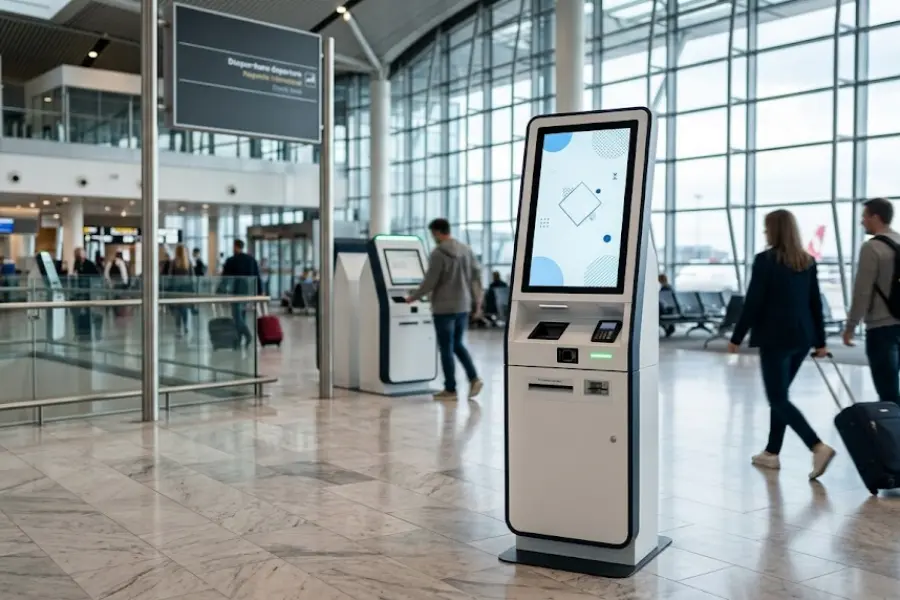
Three Categories of Kiosk Software - And Why the Distinction Costs Money When You Get It Wrong
Content Creation Platforms
These tools help you design what users actually interact with: screens, navigation, media, and branching logic. Evaluated primarily on design flexibility, interactivity depth, and offline performance. Best suited for museums, branded activations, trade show demos, and product explorers where the experience itself is the primary deliverable.
Device Management and Lockdown Tools (MDM)
These focus on securing and controlling the device - locking it to one application, managing updates remotely, enforcing usage policies across fleets. They don't create experiences; they protect and manage them. Best suited for enterprise IT teams running large device inventories in the field.
Digital Signage Platforms with Kiosk Capability
Originally built for scheduled display content - menu boards, lobby screens, promotional loops - these platforms have added touch interactivity as a secondary feature. Suited for display-forward environments with light or occasional user input.
Many professional deployments combine two types: a content creation platform builds the experience, while an MDM tool handles device security and fleet management. This two-tool architecture is often more robust than expecting one platform to do everything well.
Six Criteria That Should Drive Your Evaluation
- Content creation capability. Does your team need a visual drag-and-drop editor, or do you have developers who will build the interface? This single question eliminates or validates most tools immediately.
- Kiosk lockdown and security. Can the software block system menu access and auto-return to the home screen after inactivity? Is session data cleared between users?
- Offline operation. Exhibition halls, museum basements, and trade show floors routinely have unreliable connectivity. Confirm content is stored locally, not streamed, before committing to any platform.
- Hardware compatibility. Verify OS support (Windows, Android, iPadOS) and form factor fit. A countertop tablet and an 84-inch multi-touch totem have very different software requirements.
- Fleet management. For multi-site deployments, remote content updates and uptime monitoring are rarely optional. Confirm whether these are in the base plan or require an enterprise tier.
- Pricing model. SaaS subscriptions (per device per month) dominate the market. Perpetual licenses are rarer but preferred for high-volume or air-gapped deployments. Always check which features are gated before comparing list prices.
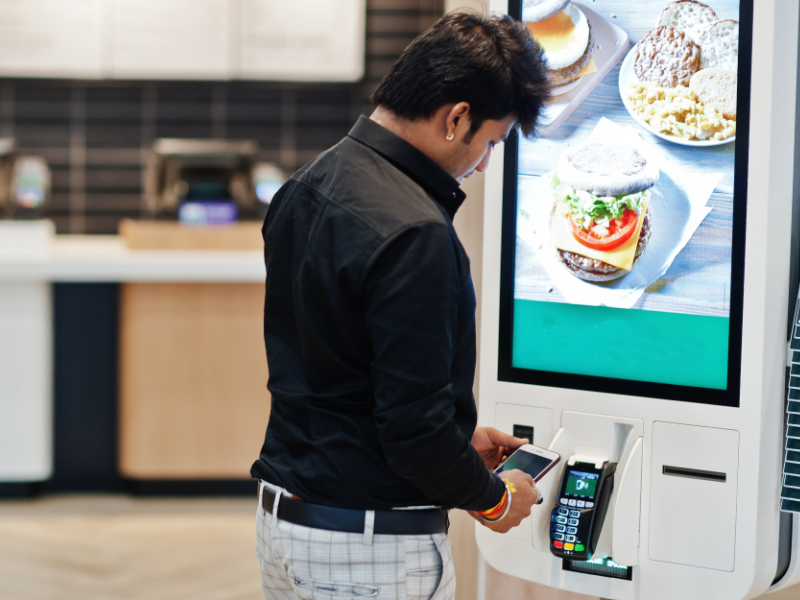
10 Interactive Kiosk Software Solutions Compared
Intuiface
Intuiface stands apart because its interaction triggers aren't limited to touch. Sensors, computer vision, real-time data feeds, and external APIs can all drive the experience - which makes it particularly strong for museum installations, enterprise lobbies, and high-end retail where responsiveness needs to feel intelligent, not just tappable. The tradeoff is a steeper learning curve; teams typically need two to four weeks to build fluency. Analytics and multi-screen deployment are included. Free trial available.
KioWare
KioWare has been locking down public-facing devices since 2000. It restricts a browser-based application to approved URLs, clears session data between users, and provides remote monitoring - without requiring you to rebuild your existing web app. Configuration is policy-based, giving IT administrators granular control with some setup time investment. A reliable default for government kiosks, library terminals, healthcare self-check-in, and any deployment where content already exists as a web application.
SiteKiosk
SiteKiosk (by PROVISIO) is a Windows-native solution that wraps applications in a controlled shell, blocks system access, and pairs with the SiteRemote platform for centralized fleet management. Well-supported and well-documented for Windows-standardized environments; less relevant if your deployment runs on Android or iPad.
Scalefusion
For an IT administrator overseeing 50 to 500 kiosks across multiple sites, Scalefusion does exactly what's needed: policy-based kiosk mode, app whitelisting, remote troubleshooting, and compliance dashboards across Android, iOS, and Windows. It manages devices - not experiences. Pair it with a content creation platform to cover both sides of the stack. A 14-day free trial is available.
Hexnode
Hexnode covers similar MDM territory to Scalefusion with broad OS support across Android, iOS, macOS, and Windows. Worth evaluating side-by-side when enterprise compliance reporting and third-party ITSM integrations are priorities - the two products differ most in their analytics depth and workflow automation options.
Raydiant
Raydiant is built for physical-location businesses - restaurants, retail chains, hotels - that need to manage branded experiences across multiple sites without dedicated IT support. It integrates with common retail systems (POS, loyalty platforms, ordering tools) and is designed for operators, not developers. Onboarding is faster than more flexible platforms. For restaurant-specific deployments, our complete guide to self-service kiosks for restaurants covers the operational considerations in detail.
PandaSuite
PandaSuite's core design principle is offline reliability: content is stored on-device, the experience runs locally, and users get consistent performance whether they're in a museum basement or a trade show hall with saturated Wi-Fi. The visual editor is accessible to non-technical teams, and a single project exports to multiple device types. For event-specific planning, see our overview of interactive trade show kiosk displays.
Yodeck
Built primarily around Raspberry Pi hardware, Yodeck keeps costs low for organizations that need reliable content scheduling and basic touch interactivity. It's a practical choice for small businesses, real estate offices, and simple information displays - not for complex interaction design or enterprise fleet management. Among the most accessible pricing in the category.
Chrome Kiosk Mode
If your kiosk content is already a web app, Chrome's built-in kiosk mode combined with Google Chrome Enterprise Management provides a viable path with no additional software cost. Hard constraints apply: content must be web-based, the device must stay online (no offline support), and you're limited to Chrome OS or Android hardware enrolled in Google's ecosystem. For organizations already running Google Workspace, administrative overhead is minimal.
22Miles
22Miles is a specialized platform for navigational kiosks - wayfinding, room booking, interactive directories - in large facilities. Hospitals, convention centers, and corporate campuses use it where the primary user task is "help me find something." It integrates with building management and facilities systems that general-purpose platforms don't address. Before committing to enterprise-scale deployments, understanding the real operational cost of running a kiosk network is a useful grounding exercise.
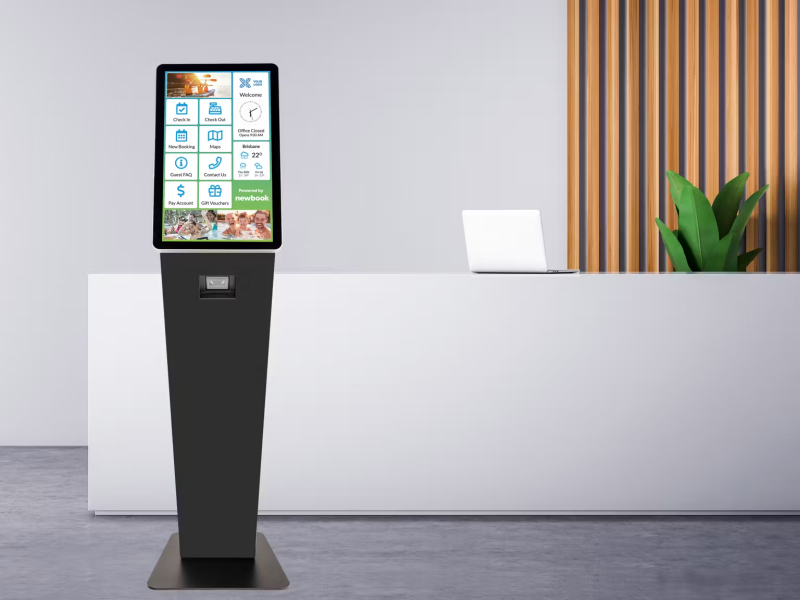
Feature Comparison at a Glance
| Tool | No-Code Editor | Offline Support | MDM / Fleet Mgmt | Windows | Android | iOS / iPad | Price Tier |
|---|---|---|---|---|---|---|---|
| Intuiface | ✅ | ✅ | Partial | ✅ | ✅ | ✅ | $$ |
| KioWare | ❌ | ✅ | ✅ | ✅ | ✅ | ❌ | $$ |
| SiteKiosk | ❌ | ✅ | ✅ | ✅ | Limited | ❌ | $$ |
| Scalefusion | ❌ | Partial | ✅✅ | ✅ | ✅ | ✅ | $$ |
| Hexnode | ❌ | Partial | ✅✅ | ✅ | ✅ | ✅ | $$ |
| Raydiant | Partial | Partial | ✅ | ✅ | ✅ | ✅ | $$ |
| PandaSuite | ✅ | ✅✅ | ❌ | ✅ | ✅ | ✅ | $$ |
| Yodeck | Partial | Partial | ✅ | Limited | ✅ | ❌ | $ |
| Chrome Kiosk | ❌ | ❌ | Via Google Admin | ❌ | ❌ | ❌ | Free / $$$ |
| 22Miles | Partial | ✅ | ✅ | ✅ | ✅ | ✅ | $$$ |
Feature availability varies by pricing tier. Verify current specifications with each vendor before purchasing. $ = budget, $$ = mid-tier, $$$ = enterprise.
Matching Software to Your Deployment Context
Retail and Point-of-Sale
Fast content updates and POS integration matter most. Raydiant covers chain retail well; Intuiface is the stronger choice for fully custom brand experiences. For hardware considerations, see our guide to custom touch screen kiosk displays for supermarkets.
Museums and Cultural Institutions
Offline reliability is non-negotiable - basement galleries and historic buildings rarely have stable connectivity. Multilingual support and seasonal content updates are common requirements. PandaSuite and Intuiface both handle this context well. Browse our kiosk display range for compatible hardware options.
Healthcare and Waiting Rooms
Patient check-in kiosks require session clearing between users, strict access control, and 24/7 uptime. KioWare or SiteKiosk handle lockdown reliably when paired with a healthcare-compliant web application. A self-service reception kiosk is a common hardware configuration for this context.
Trade Shows and Events
Setup speed and offline performance matter more than fleet management in temporary, high-traffic event deployments. PandaSuite fits well. For queue management applications, a self-service ticketing kiosk handles volume efficiently.
Corporate Lobbies and Internal Spaces
Visitor management, room booking, and employee directories are the primary use cases. 22Miles handles large-scale wayfinding; Scalefusion or Hexnode cover device security. For Android-based lobby deployments, an Android smart service touchscreen is a widely used hardware configuration.
Three Mistakes That Derail Kiosk Projects
Choosing an MDM tool when you need a content builder. Scalefusion and Hexnode are well-built products - but what they build is device management infrastructure, not interactive experiences. Teams that expect a visual editor and content scheduling workflow inside an MDM tool hit a wall quickly. Clarify which problem you're solving before the purchasing conversation starts.
Discovering offline requirements at deployment time. Many venues have weaker connectivity than anyone anticipates during planning. Test actual offline behavior - not just whether content loads, but what happens when the connection drops mid-session - before committing to a platform and purchasing hardware. Our overview of self-service terminal deployment covers infrastructure planning in more depth.
Ignoring the content update workflow. Who updates the kiosk content, how often, and from where? A platform that requires a developer to push every change is a significant ongoing cost if your team is non-technical. Match the update workflow to the people who will own it long-term, not the people who set it up.
Frequently Asked Questions
What is the difference between kiosk software and digital signage software?
Digital signage software displays scheduled content on screens - promotional loops, menu boards, announcements. Kiosk software is designed for user interaction: people navigate, make selections, and complete tasks. Some platforms claim to do both; when evaluating them, test the interactivity depth directly rather than taking feature lists at face value.
Is there free kiosk software worth using?
Windows Assigned Access and Apple Guided Access are both free OS-level kiosk modes built into Windows and iPadOS respectively. Chrome Kiosk Mode is free for web-based deployments within the Google ecosystem. These work well for simple, single-app deployments with limited fleet management needs. Most professional installations reach the limits of free tools around remote management or multi-device coordination.
Do I need separate tools for content creation and device management?
Not always, but often yes. Intuiface and PandaSuite handle both within one platform. Scalefusion and Hexnode handle device management and need to be paired with a separate content tool. Identify your primary problem first - "I need to build an experience" or "I need to secure and manage devices" - then assess whether one platform or a two-tool architecture is the right approach.
How much does interactive kiosk software cost?
Entry-level digital signage tools with basic kiosk capability start around $20–$50 per screen per month. Mid-tier no-code platforms typically run $100–$400 per month for small deployments. Enterprise MDM solutions are priced per managed device per month and scale with device count. Always request a quote against your actual device count - published pricing rarely reflects what a real deployment costs at scale.
Conclusion
The right interactive kiosk software is the one that matches how your team works, what your deployment environment demands, and what users will actually experience. Before evaluating products, answer three questions: Who builds and maintains the content? How many devices need to be managed? What does the environment require in terms of offline capability and hardware?
Once those answers are clear, start with a trial on your actual hardware, test offline behavior in a realistic setting, and verify that the content update workflow fits the people who will own it. For hardware guidance alongside your software selection, browse our full range of kiosk display products, or contact our team to discuss your project requirements.





